
10+
Languages Supported
Stop Wasting Hours on Manual Clipping
The Old Way Is Killing Your Output
- Scrubbing through hours of footage to find the one quotable minute
- Manually trimming clips frame-by-frame in a timeline editor
- Missing great moments because you didn't have time to watch everything
- Spending a full day editing what should take ten minutes
- A content backlog that never shrinks no matter how hard you work
Let AI Do the Watching
- Paste a URL or upload your file — the AI starts immediately
- Transcription engine reads every word in 10+ languages
- Viral moment scorer ranks segments by energy, hooks, and quotability
- Clips are extracted, trimmed to your chosen duration, and ready to download
- Process your entire content backlog in a fraction of the time
Everything You Need to Repurpose Content at Scale
From upload to viral-ready clips, the entire pipeline is automated so you can focus on publishing, not editing.
Flexible Input
Upload MP4, MOV, or WebM files directly from your device, or paste any video URL. The tool handles downloading and format conversion automatically.
AI Viral Moment Detection
The AI doesn't cut randomly. It scores every segment by speech energy, emotional peaks, strong hooks, and natural clip boundaries to find what will actually perform.
10+ Language Transcription
Accurate AI transcription in English, Spanish, French, German, Portuguese, Hindi, Japanese, Korean, Chinese, Arabic, and more. Great clips don't have to be in English.
Choose Your Clip Duration
Select 15, 30, or 45 seconds before processing. Match your clip length to your target platform — 15s for TikTok, 30s for Reels, 45s for YouTube Shorts.
Real-Time Progress Tracking
Watch your video move through all 6 processing stages live: downloading, audio extraction, transcription, viral scoring, clip extraction, and upload. No blind waiting.
Job History & Search
Every processed video and its generated clips are saved to your job history. Search past jobs, re-download clips, and pick up where you left off with full pagination.
In-App Clip Preview
Preview every extracted clip in the built-in video player before downloading. See exactly what you're getting before it hits your content calendar.
One-Click Download
Download individual clips instantly. Each clip is a clean, trimmed video file ready to upload directly to TikTok, Instagram, YouTube, or LinkedIn with no re-encoding needed.
Works on Any Long-Form Content
Interviews, podcasts, tutorials, webinars, conference talks, vlogs — if people are talking on screen, the AI can find the shareable moments inside.
From Long Video to Short Clips in Minutes
A fully automated six-stage pipeline turns any long-form video into a set of short, ready-to-post clips without you touching a timeline.
Upload or Paste a URL
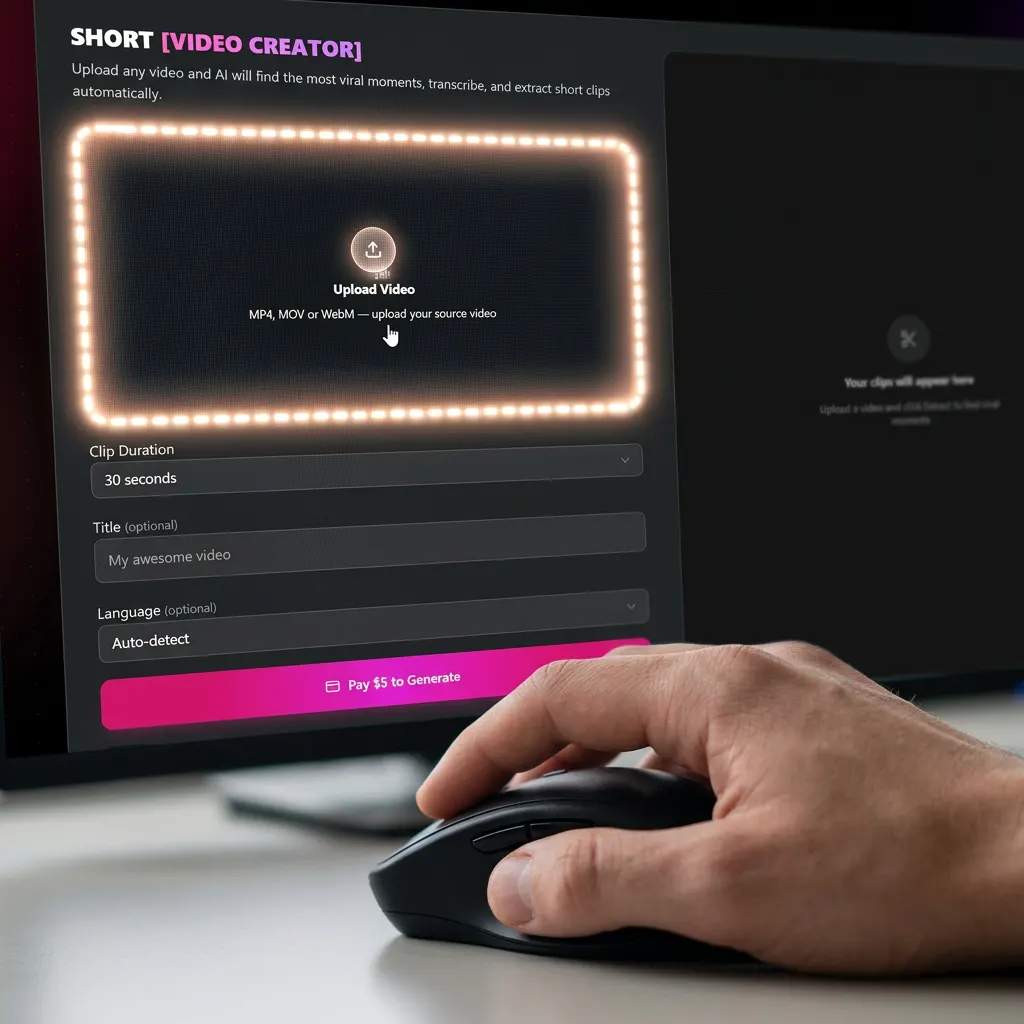
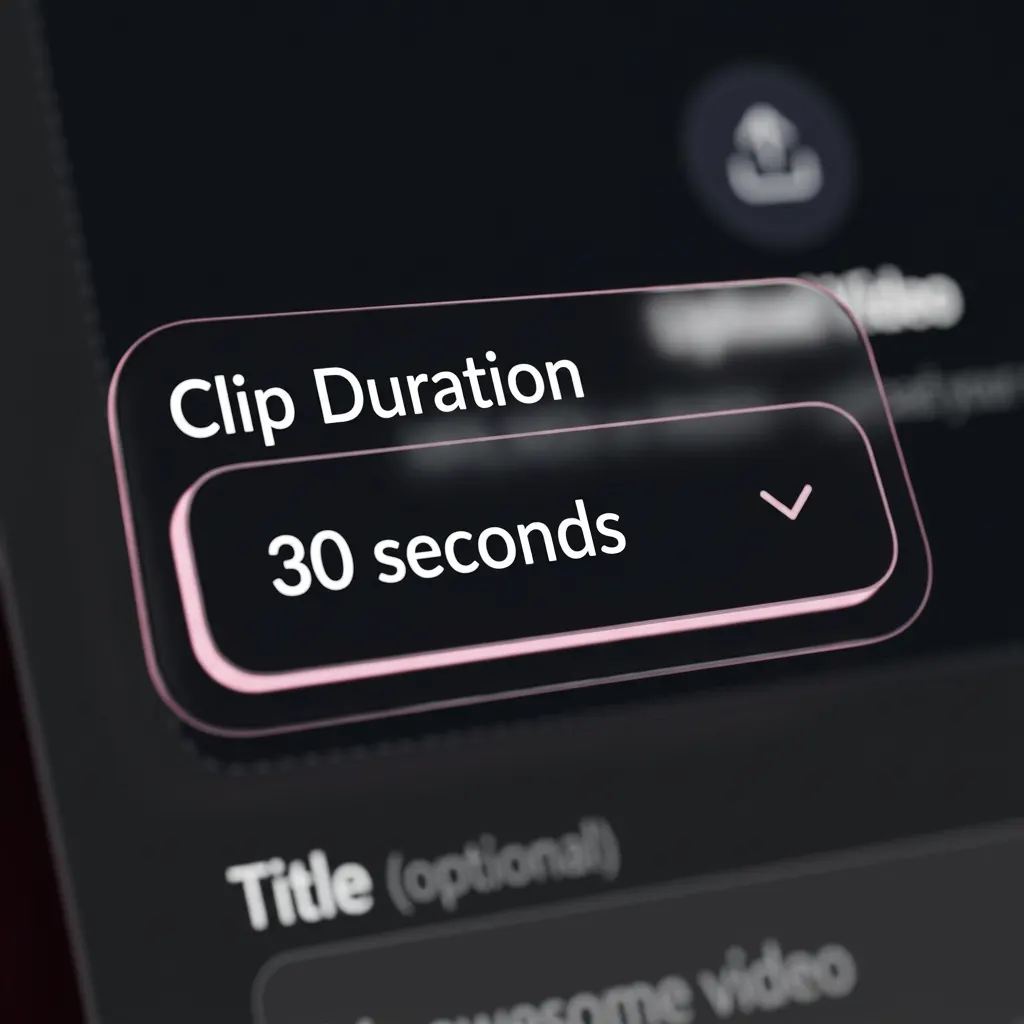
Drop in an MP4, MOV, or WebM file from your device, or paste a YouTube URL. Choose your preferred clip duration (15s, 30s, or 45s) and optionally set a title and the video's spoken language.
AI Transcribes and Scores Every Segment
The engine extracts audio, runs it through AI transcription in your chosen language, then scores every segment for viral potential — looking at speech energy, hook strength, emotional peaks, and natural start/end points.
Clips Are Extracted and Ready to Download
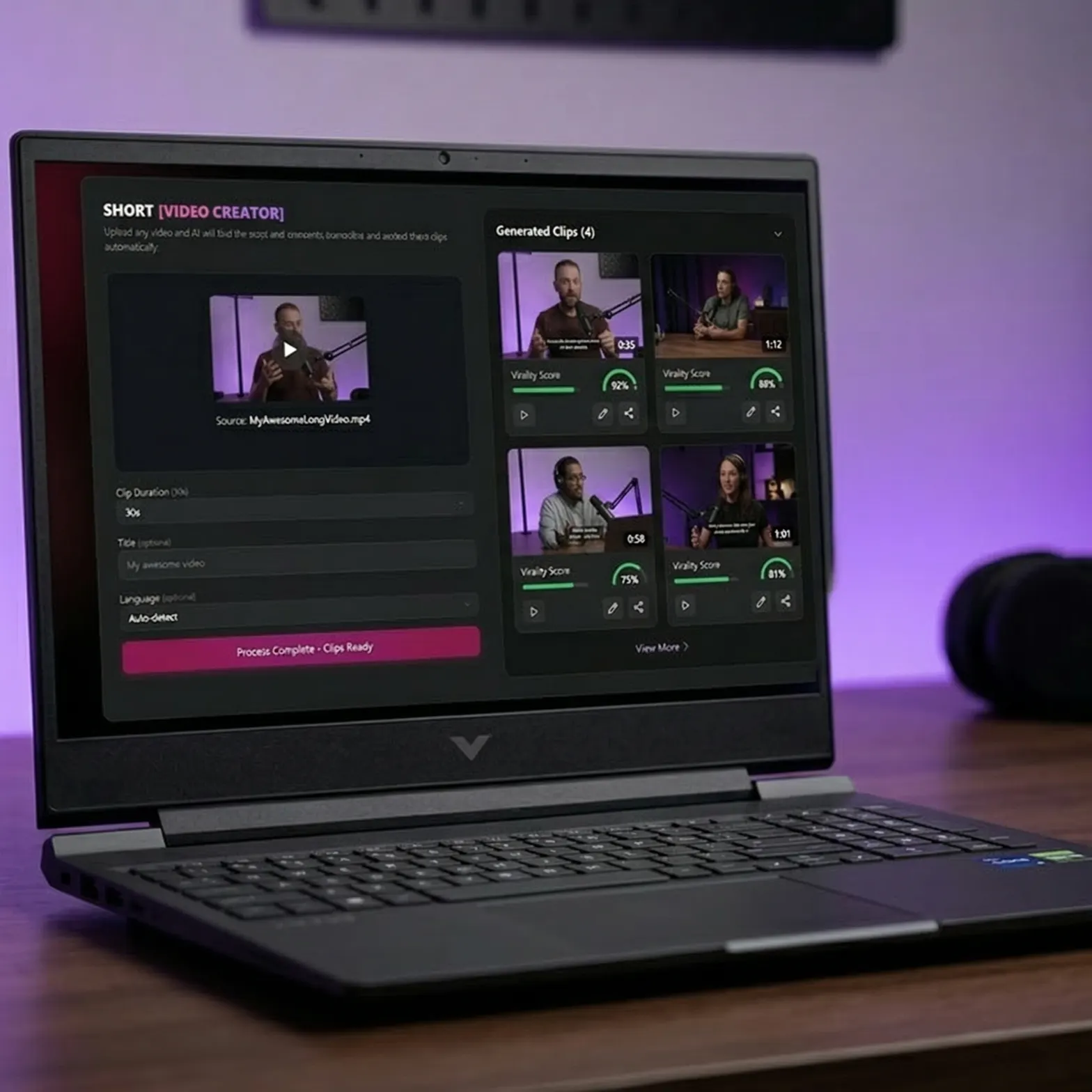
The top-scoring moments are trimmed to your selected duration, rendered as standalone video files, and uploaded to your job. Preview them in the built-in player, then download whichever ones you want to post.
One Long Video, Ten Different Posts
Every content format you already produce is hiding multiple viral clips. Here's what creators are extracting.
Podcast Episodes
That one insight your guest dropped 47 minutes in — the AI finds it and pulls it as a standalone 30-second clip that performs better than the full episode.
Upload & Configure in Seconds
Drag in your video file or paste a URL, pick a clip duration, and hit generate. The dark-themed interface keeps you focused on the task — no distractions, no unnecessary steps.
Conference Talks & Webinars
Repurpose a one-hour keynote into a week of LinkedIn content. The AI pulls the quotable moments and strong opens that work as standalone short-form videos.
YouTube Tutorials
Turn a 20-minute how-to video into five 15-second tip clips. Each one drives traffic back to the full tutorial while standing on its own on TikTok.
Creators Who Stopped Clipping Manually
“I had 60 episodes of my podcast sitting unclipped. I processed all of them in an afternoon. The clips the AI pulled were genuinely the best moments — things I would have picked myself, but faster.”
Marcus T.
Podcast Host
Simple, Honest Pricing
Pay Per Video
Process videos on demand with no subscription. Each video costs 99 credits. Buy credits when you need them.
- 3–10 AI-extracted clips per video
- 15s, 30s, or 45s clip durations
- 10+ language transcription
- Real-time progress tracking
- Full job history
- In-app clip preview & download
Subscription
Get a monthly credit allocation and access to all Zyka.ai tools — short video creation, image generation, voice cloning, and more.
- Everything in Pay Per Video
- Monthly credit refresh
- Access to all Zyka.ai AI tools
- Priority processing queue
- Workspace collaboration
- Dedicated support